Skip to content / Saltar al contenido
eEsteban Moreno

Subtitles / Social Reels

Best caption styles and subtitle strategies for Reels

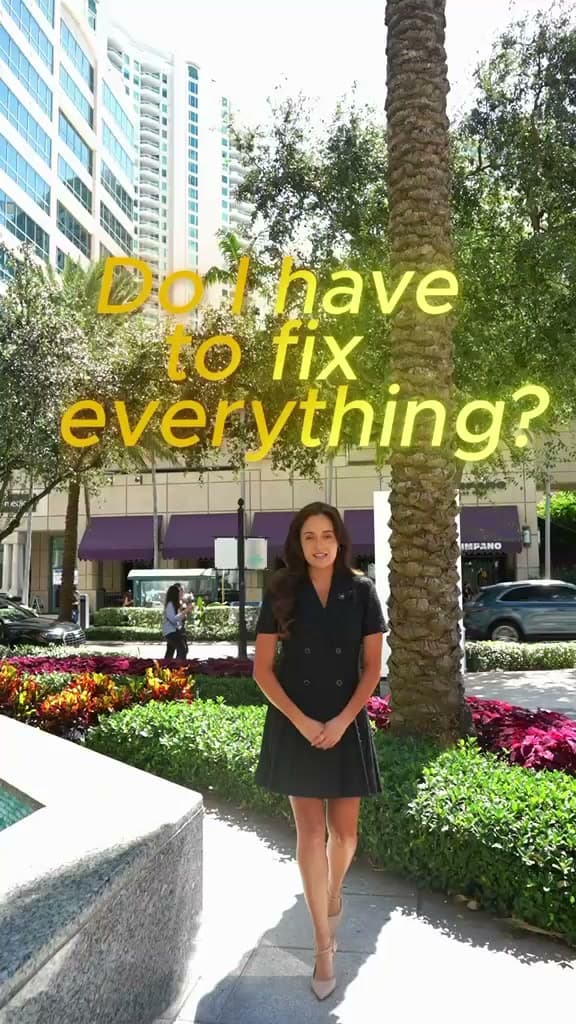
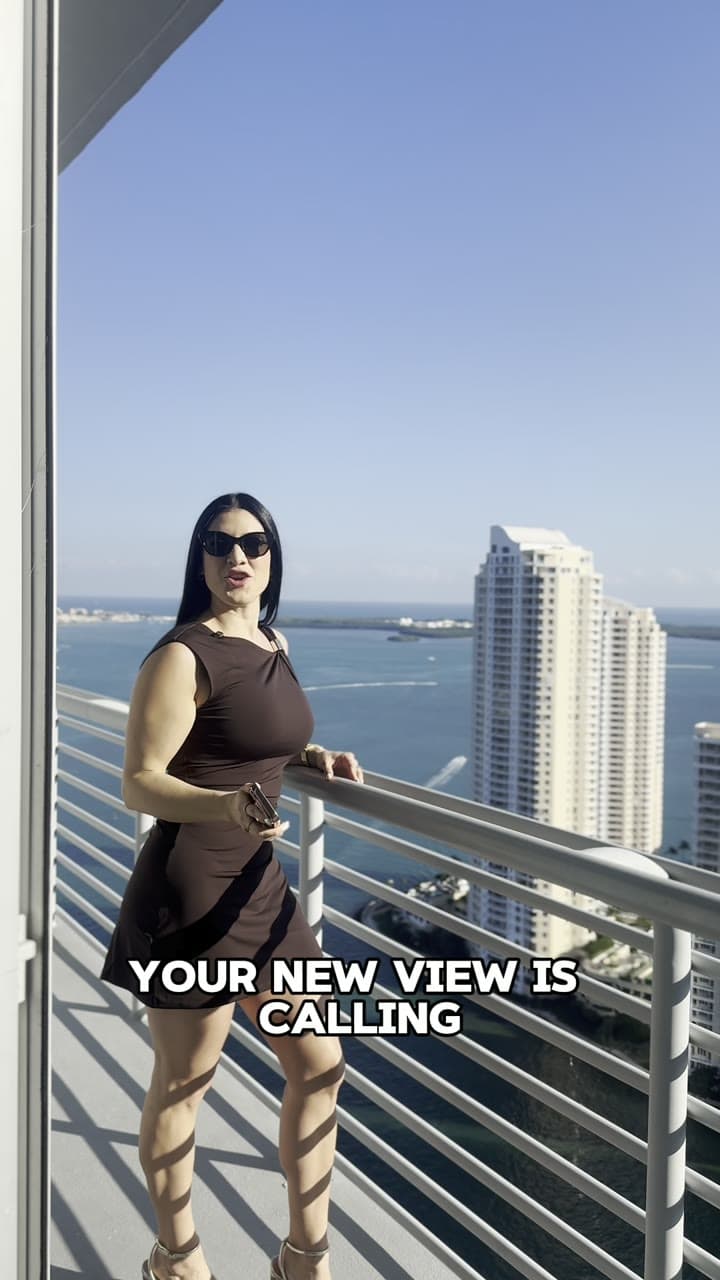
Quick answer: Use high-contrast bold fonts centered in the safe zone with active word highlighting to keep viewers watching on mute.

This is general project-preparation guidance, not Esteban Moreno Media policy. Packages, process, review terms, timing, file transfer, and deliverables are defined for each project.

Leer en español

01

Maintaining Text Safe Zones

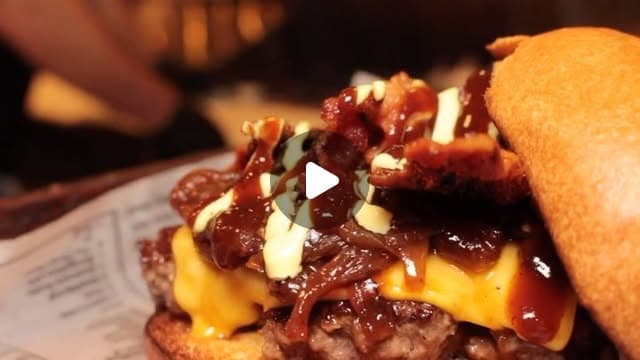
Keep subtitles away from bottom Instagram UI buttons and top account headers to ensure full legibility. When formatting dynamic text for dining reels, restaurant promo video editing in Miami balances animated captions with mouth-watering food visuals.

02

Choose caption styles by viewing context

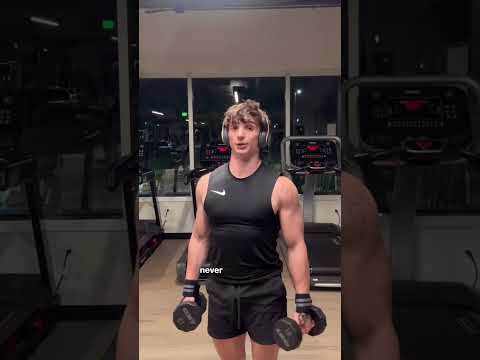
Reels, Shorts, and TikTok clips are often watched without sound, but the right subtitle treatment depends on how much the viewer needs to understand. Talking-head clips usually need clean sentence captions; food, product, and event reels often work better with short emphasis words that support the visuals instead of repeating every frame.

For a business account, keep one recognizable type style for recurring content, then adjust weight, placement, and animation speed by format. A menu reel, founder tip, customer walkthrough, and service explanation can share a brand look without using the same caption rhythm.

  • Use full sentence captions when spoken information carries the message
  • Use short emphasis captions when visuals already explain the action
  • Keep type weight heavy enough to read on a bright phone screen
  • Avoid placing animated words over faces, products, or food texture

03

Balance highlighting with readability

Word-by-word highlighting can help pacing, but too much movement makes a useful video feel noisy. Highlight only the word or phrase that changes the meaning, and keep the rest of the line stable enough for a muted viewer to follow.

Before publishing, preview the captioned cut at phone size and check the first three seconds, the strongest visual moment, and the final action line. Those moments decide whether the caption style supports the video or competes with it.

  • Limit active highlighting to one short phrase at a time
  • Keep line breaks natural so viewers do not reread the same idea
  • Check contrast against both light and dark shots
  • Save editable text layers when versions need different platforms

Questions before requesting a quote

Corporate video pricing FAQ

What caption style works best for Instagram Reels?

The best caption style is high contrast, easy to read at phone size, and matched to the video type. Talking-head clips usually need full sentence subtitles, while product, food, and event reels can use shorter emphasis captions.

Should every word be highlighted in a Reel caption?

No. Highlight only the word or phrase that helps the viewer follow the idea. Constant movement can reduce readability, especially when the video already has fast motion or detailed visuals.

Where should captions be placed on vertical video?

Keep captions inside the central safe area so platform buttons, account labels, and crop behavior do not cover important words. Always preview the edit on the platform or phone layout before publishing.

Continue preparing

Before editing beginsHow to prepare footage for a video editorRead guideDefine the projectHow to write a video brief an editor can useRead guidePlan the final formatsVertical and horizontal video exports: a safe-zone guideRead guideWork clearly from a distanceA practical handoff for remote video editingRead guideShort-form strategyHow to use Instagram Reels for businessRead guideRestaurant video marketingVideo content ideas that bring customers to your restaurantRead guideReal estate video strategyInstagram Reels ideas for real estate agentsRead guideAI image creationHow to use AI for product photography and e-commerce imagesRead guideProduct pricing guideHow much does product photography cost? Rates & pricing guideRead guideAI vs Studio comparisonAI product photography vs traditional studio photographyRead guideRole & Workflow ComparisonVideo editor vs videographer: which role do you need?Read guideProduction Model ComparisonRemote video editing vs local production studioRead guideVideo Pricing GuideHow much does corporate video production cost in Miami?Read guideFootage PreparationHow to record video content with an iPhone for professional editingRead guidePlatform StrategyInstagram Reels vs TikTok vs YouTube Shorts for local businessRead guideTool ComparisonAI video editing tools vs hiring a professional video editorRead guideHiring GuideHow to choose a professional video editor in MiamiRead guideAgency WorkflowWhite-label video editing workflow for marketing agencies in MiamiRead guideContent RepurposingHow to repurpose long-form video podcasts into social ReelsRead guideBudgeting / Fort LauderdaleHow much does video production cost in Fort Lauderdale?Read guideScriptwriting / Social AdsHow to script high-converting social video adsRead guideProduction / Home InterviewsLighting and microphone setup for home video interviewsRead guideWorkflow / File TransferFastest ways to transfer raw 4K video files to remote editorsRead guideStrategy / Bilingual MarketingWhy bilingual English & Spanish video content wins in South FloridaRead guideFormatting / Aspect RatiosVideo aspect ratios and safe zones cheat sheet for social mediaRead guidePost-Production / ColorColor grading vs color correction: What is the difference?Read guideAudio / Post-ProductionHow to mix speech, music, and sound effects for social videoRead guideEditing / B-Roll SelectionHow to select supporting B-roll footage for corporate videosRead guideStrategy / Video LengthIdeal video length best practices across social platformsRead guideVisual Design / ThumbnailsHow to design high-CTR clickable video thumbnailsRead guidePost-Production / RetentionHow to improve audience retention rates in video editingRead guideHiring / Decision GuideFreelance video editor vs post-production agency: Which fits?Read guideAerial / Drone Post-ProductionDrone & aerial video editing best practices and guidelinesRead guideB2B / Video StrategyHow to build a B2B video marketing conversion funnelRead guideAudio / PreparationHow to prepare and organize audio files for video editingRead guideTestimonials / Script TemplateCustomer testimonial video question framework & script templateRead guideVertical Video / Best PracticesVertical video editing best practices for Reels, Shorts & TikTokRead guideTechnical / Video CodecsRAW video file formats, LOG profiles, and codecs explainedRead guide