01
Which placement should choose the first format?
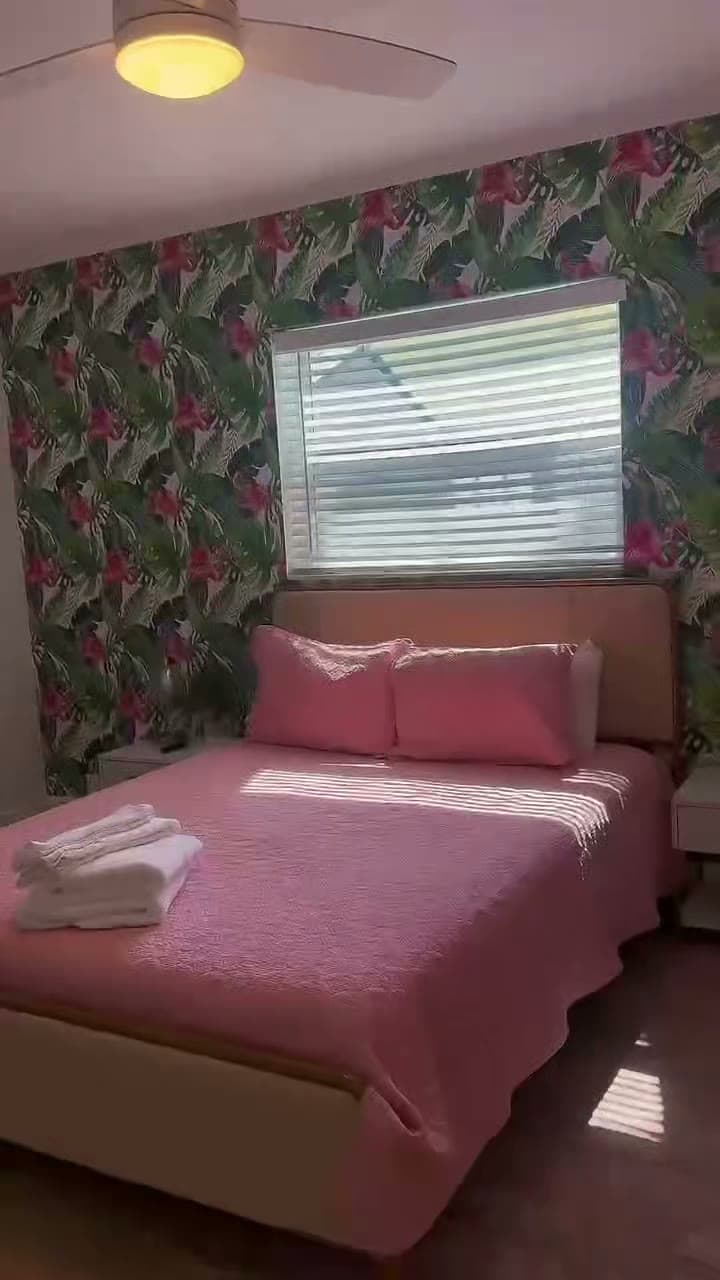
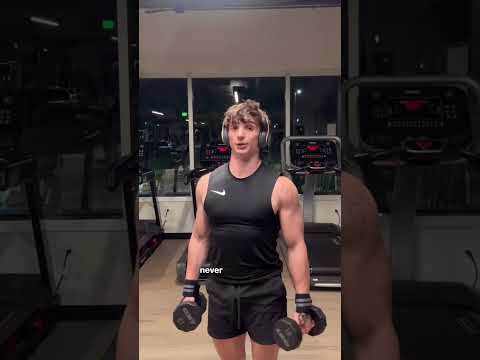
A 9:16 vertical frame and a 16:9 horizontal frame show different parts of the same shot. Decide which placement matters most before choosing the primary edit.
Vertical video is commonly used in full-screen short-form feeds. Horizontal video is commonly used on YouTube, websites, presentations, and wider displays. Confirm the actual destination instead of exporting by habit.
02
Why is each reframe a composition decision?
A horizontal cut cannot always be cropped into a useful vertical piece. People, products, captions, and movement may need a different position or a different shot.
When both orientations are requested, identify the priority version and list the secondary version separately. Do not assume one automatic crop will work; framing, text placement, and requested outputs still need to be defined for that project.
When the vertical version matters most, say so before filming, so the subject is framed with room to crop rather than rescued later.
- Keep the main subject readable in the narrower frame
- Check whether captions cover faces, products, or demonstrations
- Use a separate text layout when the crop changes
- Preview each export in the placement where it will appear
03
How do you use safe zones without one permanent template?
Platform controls, captions, account labels, and crop behavior can cover the outer parts of a frame. Keep essential information comfortably inside the composition and check the current platform preview before publishing.
Avoid relying on one set of pixel measurements for every channel because interfaces can change. Save the exact wording and graphics separately so they can be repositioned when needed.
A draft post or the platform's own preview shows the overlays as they are today, which no saved template can promise.
- Keep names and calls to action away from the top and bottom edges
- Leave breathing room around faces, logos, and product details
- Check auto-captions and manually placed captions together
- Review the thumbnail or cover crop separately from the video
Social Video Ad Script & 9:16 Safe-Zone Kit
Select a video script framework:
[00:00 - 00:03] VISUAL & VERBAL HOOK:
"Tired of spending thousands on video content that gets zero actual leads?"

[00:03 - 00:08] AGITATE THE PROBLEM:
"Most brands publish polished footage without clear CTAs or mobile caption safe zones."

[00:08 - 00:18] SOLUTION & DEMO:
"With our remote video editing workflow, we turn your raw footage into high-converting 9:16 vertical reels."

[00:18 - 00:25] CALL TO ACTION (CTA):
"Click the link below to get a fast scope estimate on your next video batch."