01
Why should AI product images start from real product photos?
Because the product a customer receives has to match the picture they bought from. AI image tools are good at inventing surroundings and unreliable at reproducing exact details: a logo can come out misspelled, a colour shifted, a proportion changed, a button moved. Starting from clean, well-lit photos of the actual product, taken from the angles you need, anchors those details so the AI only changes what it is allowed to change.
For physical goods, avoid generating the product itself from a text prompt. Small differences between the image and the item tend to surface as questions, complaints and returns. Use the real photo for the product and let AI handle the background, the setting and the light.
- Start with high-resolution reference photos
- Keep true product proportions and colours
- Use AI mainly for backgrounds, lighting and environments
02
How do AI tools create backgrounds and lighting around a real product?
They place a clean cut-out of the product into a generated setting — a marble counter, outdoor sunlight, a kitchen, a seasonal scene — instead of building a physical set for each one. The quality depends on how well the light in the new setting matches the light in the original photo, so it helps to photograph the product with soft, even light and to describe in the prompt where the light should come from.
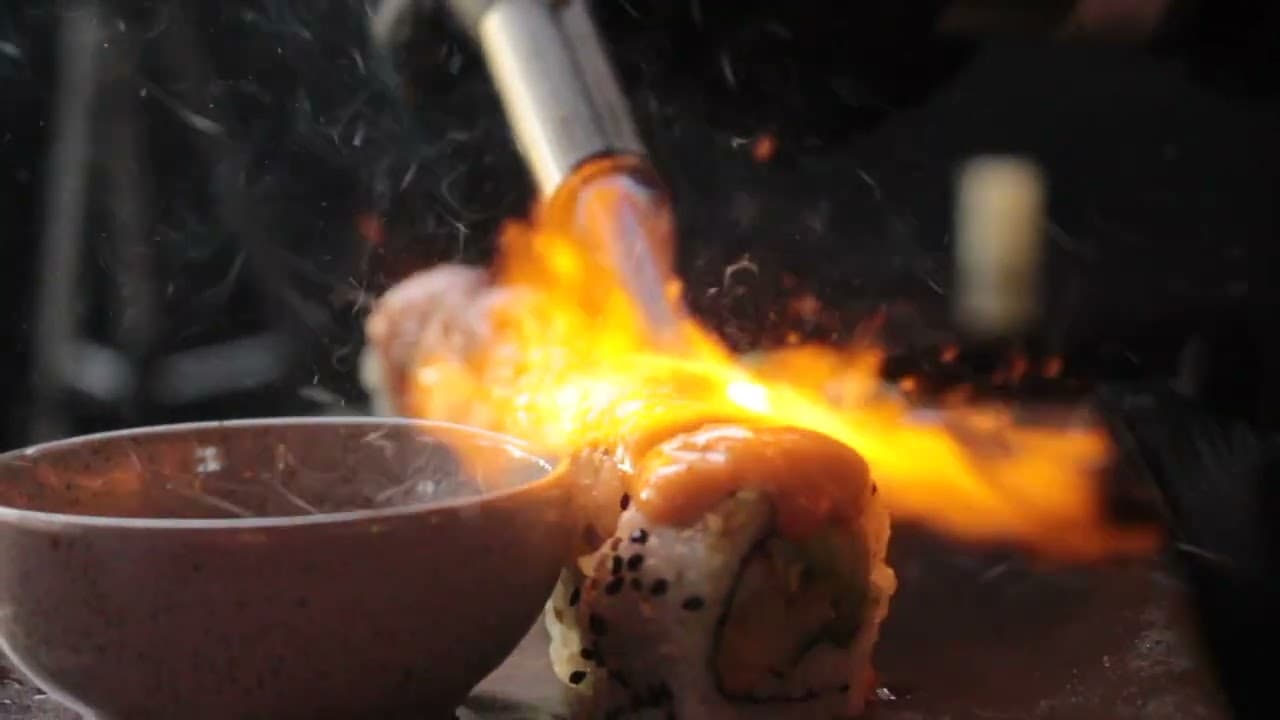
Check every result at full size before using it: shadows should fall in one direction, reflections should belong to the scene, and the product's edges should not blur into the background. Keep a short written description of your brand's look so that images made weeks apart still feel like one set. For restaurants pairing menu images with video, see restaurant promo video editing.
03
How do you keep AI-assisted brand images honest?
Be clear about what the image is. A generated lifestyle background around a real product photo is a presentation choice; an image that implies a product looks, works or is sized differently from reality is a misleading one. Keep the product itself accurate and say when an image is a mockup or a concept.
Where people appear, prefer real photography or clearly illustrative imagery over invented faces presented as customers. Check the terms of the AI tool you use for commercial rights, and keep the original reference photos with the generated files, so it is always possible to show what the real product looks like. Customers forgive a styled setting; they do not forgive receiving something different from what they saw.