01
Which iPhone camera settings give an editor clean footage?
Set the video format to 4K at 24 or 30 frames per second and leave it there for the whole shoot, because mixing frame rates in one project forces conversions that show up as stutter. Turn on the grid so the horizon and the speaker's eyes sit on the same lines from clip to clip. Lock focus and exposure by pressing and holding on the subject; otherwise the phone keeps re-measuring as people move and the brightness pulses through the take.
Use the main lens rather than the ultra-wide for anyone speaking to camera, since the wide lens stretches faces near the edges. Wipe the lens before every session: a thumbprint softens the whole image in a way no edit can sharpen. Finally, record a few seconds before and after each line so the editor has room to cut without clipping the first or last word.
02
How should you handle sound and light before uploading?
Face the speaker toward the main light — a window or a lamp in front of them, never behind — so the face is brighter than the background. A wireless lapel microphone clipped to clothing about a hand's width below the chin captures far cleaner speech than the phone's own microphone across the room, which also records echo from bare walls and floors.
Before you upload, check one clip with headphones; hum from a refrigerator or air conditioner is easy to miss in the room and hard to remove later. Send the original files from the phone through a file-transfer link or cable rather than through a messaging app, because messaging apps recompress video and throw away detail. Name the clips in the order they should appear, and add a short note on which takes you liked best.
03
What should a business film first on a phone?
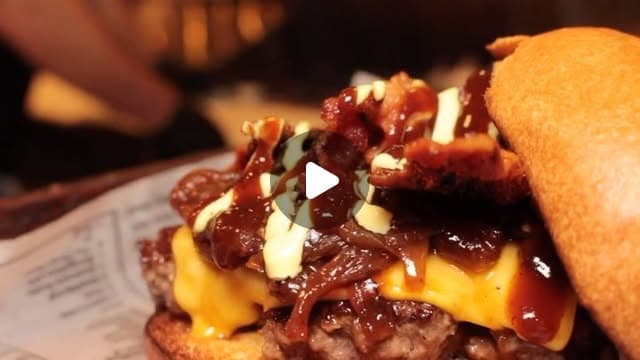
The thing customers pay for, shown working. For a restaurant that is a dish being plated; for a salon, a finished cut turning in the light; for a contractor, the before and the after from the same spot. Viewers decide in the first second whether a video is about something they want, so the strongest footage is usually the product or the result, not the logo or the front door.
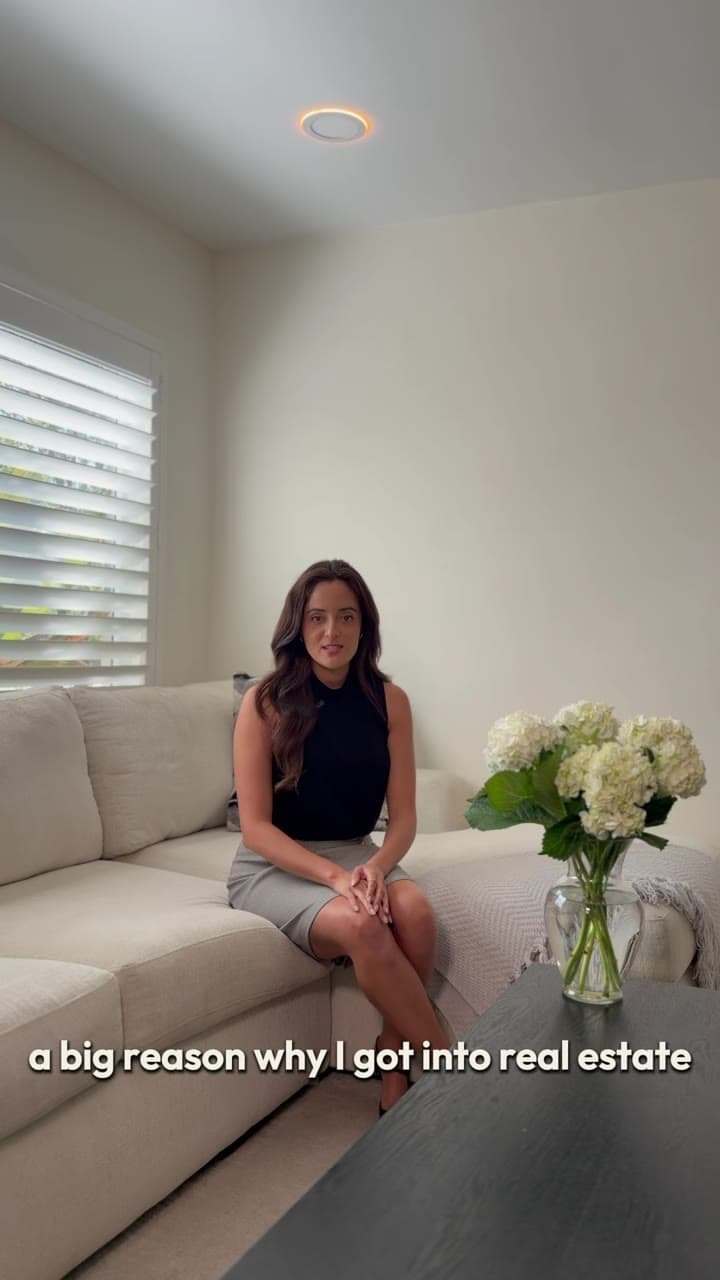
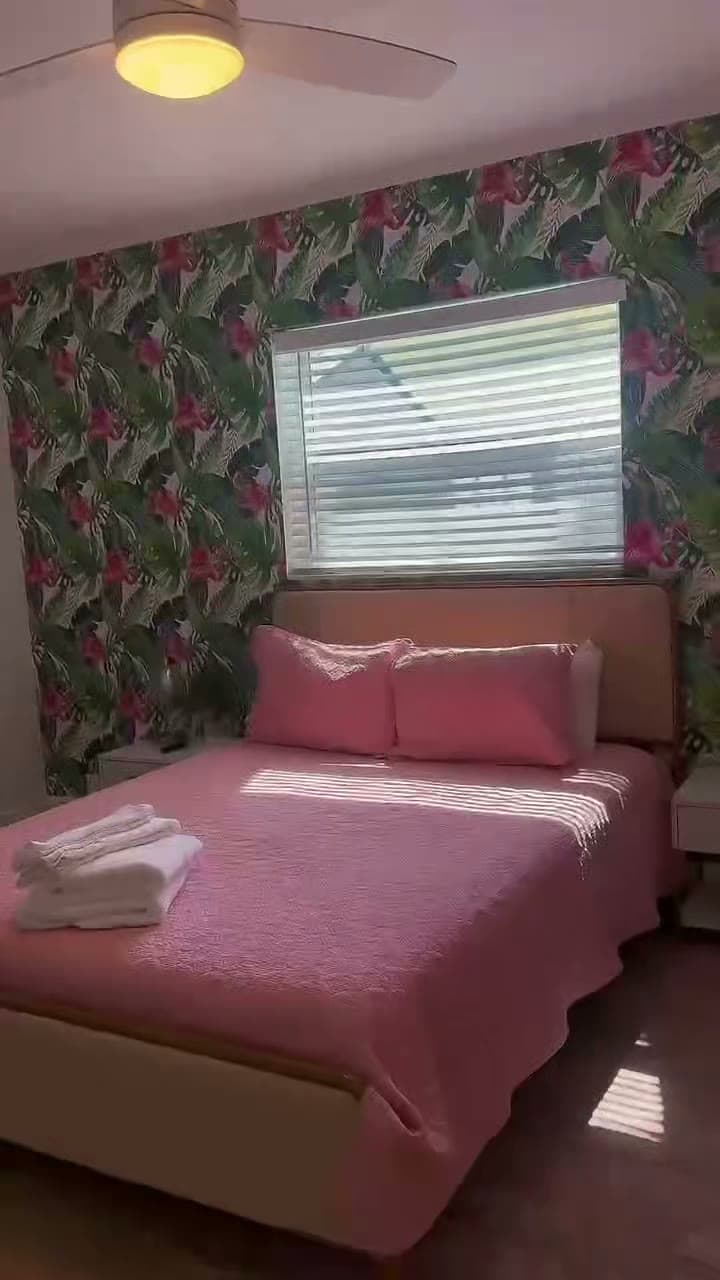
After that, film the people. A short clip of the owner or a team member saying one sentence to camera, such as what makes the place different or what to order first, gives the edit a voice and a face. Then film the place itself: the room, the counter, the street outside. Those three groups, product, people and place, cover most of what a business Reel needs, and an editor can build several different videos from one afternoon of them.
04
Which shots turn into a useful Reel?
Short, steady clips of one thing each. Five to ten seconds is enough for most shots, and it is better to film the same moment three times than once for a minute. These are the shots editors reach for first:
- A close-up of the product or the result, with nothing else in the frame.
- Hands doing the work: pouring, cutting, fitting, packing.
- A before and an after, filmed from the same position.
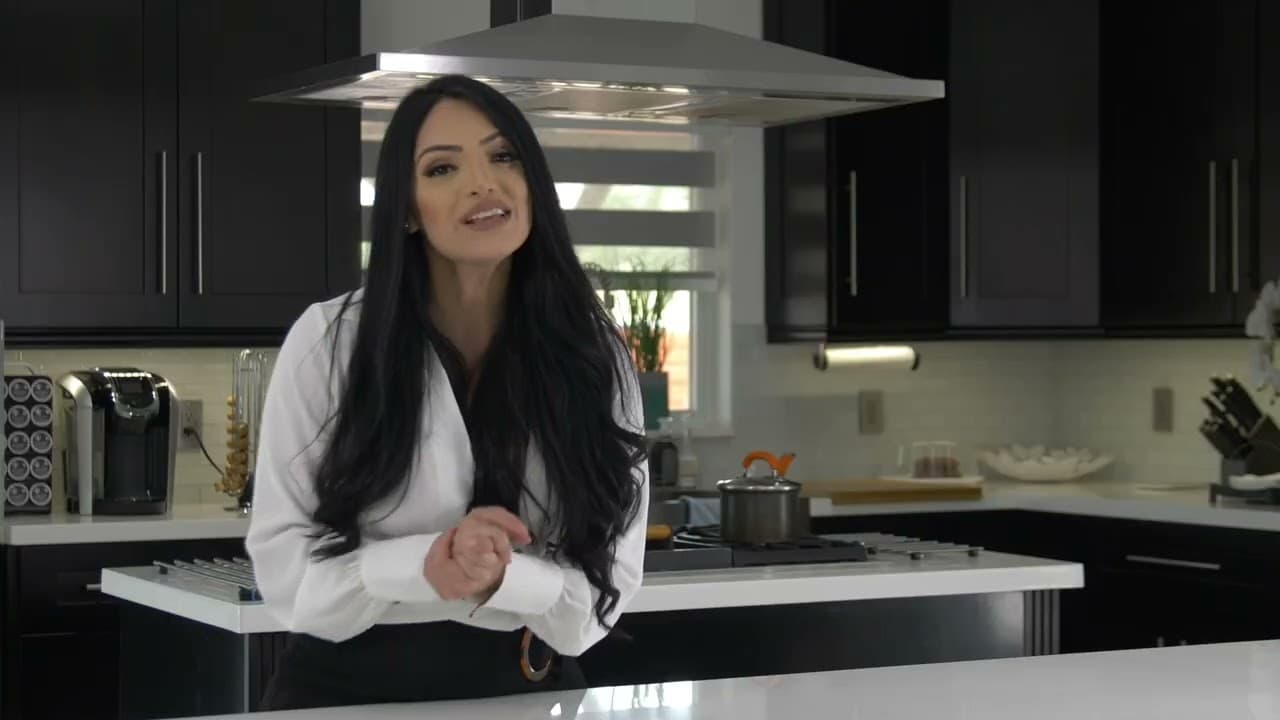
- One person saying one clear sentence to camera.
- A customer question answered out loud, which becomes its own video.
- A slow wide shot of the space, for the opening or the end.
05
What do you send the editor afterwards?
The original clips in a shared folder, a line about what each video should say, the platform where it will run, and any must-show detail such as a price or an address. Esteban Moreno Media edits that material remotely from Fort Lauderdale for businesses in Miami and Broward. Starter is from $100 per video with one revision round, or $85 a week for 1 video or $160 a week for 2 videos if you post every week. The Reels editor in Fort Lauderdale and Reels editor in Miami pages explain how the edit works.
If nothing has been filmed yet and you would rather not film it yourself, a shoot can be scoped separately. Use the budget calculator for an estimate, or send the clips through contact and ask for a quote before editing begins.