Skip to content / Saltar al contenido
eEsteban Moreno

Work clearly from a distance

A practical handoff for remote video editing

Quick answer: A useful remote-editing handoff groups source files, one project brief, clearly labeled feedback, and a list of requested output formats. The actual process and deliverables still need to be agreed for that project.

This is general project-preparation guidance, not Esteban Moreno Media policy. Packages, process, review terms, timing, file transfer, and deliverables are defined for each project.

Leer en español

01

Package files and context together

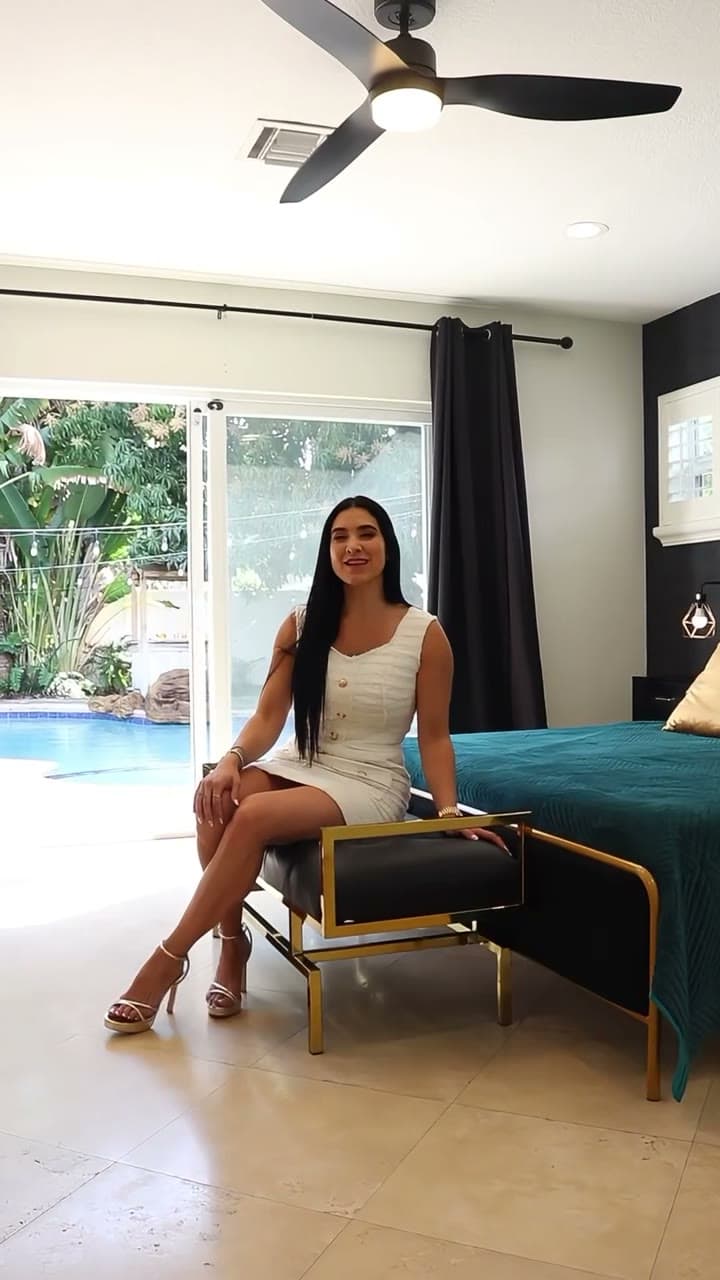
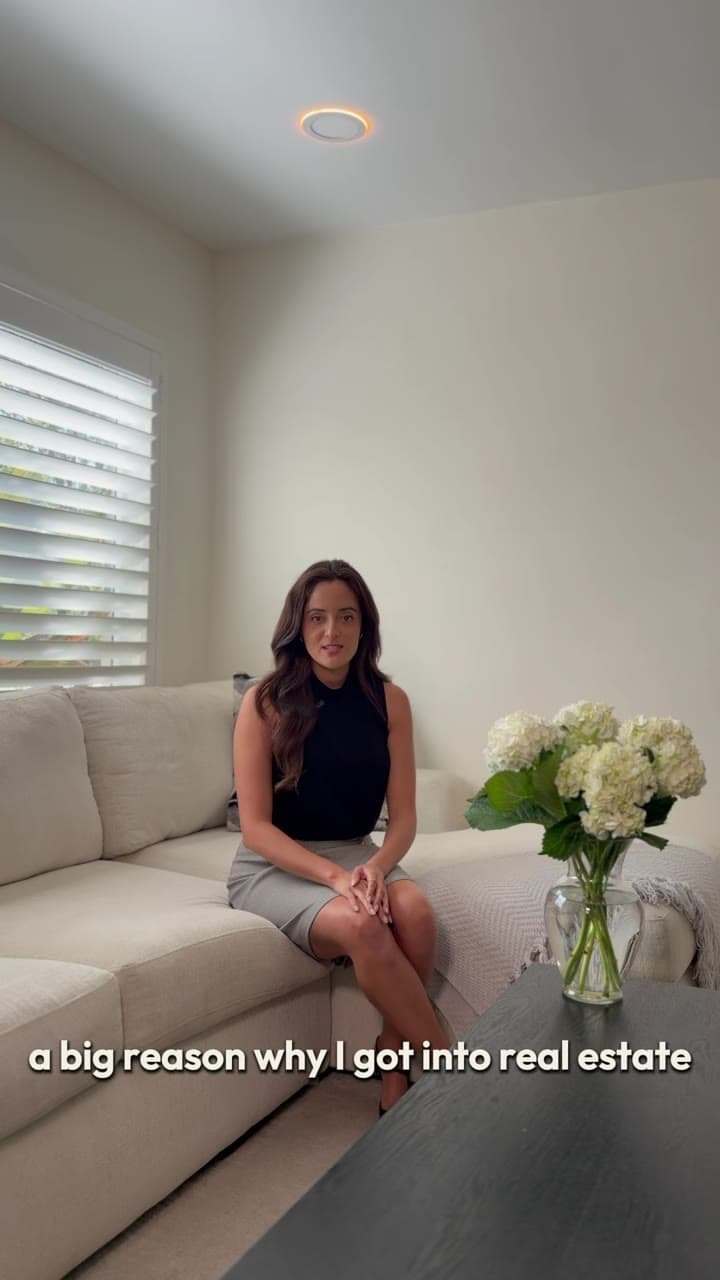
Place the original footage, audio, approved graphics, copy, and references in a structure that another person can follow. Add one brief that explains the goal, intended use, deadline, and requested deliverables. For a real-world example of remote video post-production from supplied footage, explore the Homeowners real estate editing project (and Homeowners case study).

Keep assumptions separate from confirmed facts. This preparation does not decide which files an editor will accept or what the eventual scope, transfer method, schedule, or deliverables will include.

02

Make feedback easy to locate

When reviewing any shared draft, identify the exact moment or element that needs attention. Write what should change and, when useful, why it matters to the message or placement.

A timestamp can help when the chosen review method supports one, but no tool, number of review rounds, or feedback process is assumed here. Collecting comments before sending them can still reduce conflicting requests.

  • Name the exact moment or element
  • Describe the requested change
  • Include replacement wording when text must change
  • Resolve conflicting feedback before sending it

03

List the requested output needs

List the versions requested for web, social, or archive. Orientation, captions, text placement, and file naming may differ across those uses.

Treat that list as an input to the conversation, not a promise of delivery. File transfer, schedule, accepted deliverables, and review points remain open until they are agreed for the individual project.

  • List each requested orientation and placement
  • State whether text or captions should appear in the image
  • Keep source material, review versions, and any approved files in separate folders
Pre-Production Handoff Checklist

Remote Video Footage Handoff Checklist

0 / 10 Ready
0% Complete
Suggested Folder Structure
01_RAW_FOOTAGE/
├── Camera_A/
└── Camera_B/
02_AUDIO_STEMS/
├── Dialogue_Lavalier.wav
└── Room_Tone_10s.wav
03_BRAND_ASSETS/
├── Logo_Transparent.png
└── Brand_Guidelines.pdf
04_REFERENCES/
└── Style_Inspiration_Links.txt

Ready to hand off footage to your editor?

Share your Google Drive or WeTransfer Pro folder link with Esteban Moreno.

Send Folder Link via Email

Continue preparing

Before editing beginsHow to prepare footage for a video editorRead guideDefine the projectHow to write a video brief an editor can useRead guidePlan the final formatsVertical and horizontal video exports: a safe-zone guideRead guideShort-form strategyHow to use Instagram Reels for businessRead guideRestaurant video marketingVideo content ideas that bring customers to your restaurantRead guideReal estate video strategyInstagram Reels ideas for real estate agentsRead guideAI image creationHow to use AI for product photography and e-commerce imagesRead guideProduct pricing guideHow much does product photography cost? Rates & pricing guideRead guideAI vs Studio comparisonAI product photography vs traditional studio photographyRead guideRole & Workflow ComparisonVideo editor vs videographer: which role do you need?Read guideProduction Model ComparisonRemote video editing vs local production studioRead guideVideo Pricing GuideHow much does corporate video production cost in Miami?Read guideFootage PreparationHow to record video content with an iPhone for professional editingRead guidePlatform StrategyInstagram Reels vs TikTok vs YouTube Shorts for local businessRead guideTool ComparisonAI video editing tools vs hiring a professional video editorRead guideHiring GuideHow to choose a professional video editor in MiamiRead guideAgency WorkflowWhite-label video editing workflow for marketing agencies in MiamiRead guideContent RepurposingHow to repurpose long-form video podcasts into social ReelsRead guideBudgeting / Fort LauderdaleHow much does video production cost in Fort Lauderdale?Read guideScriptwriting / Social AdsHow to script high-converting social video adsRead guideProduction / Home InterviewsLighting and microphone setup for home video interviewsRead guideSubtitles / Social ReelsBest caption styles and subtitle strategies for ReelsRead guideWorkflow / File TransferFastest ways to transfer raw 4K video files to remote editorsRead guideStrategy / Bilingual MarketingWhy bilingual English & Spanish video content wins in South FloridaRead guideFormatting / Aspect RatiosVideo aspect ratios and safe zones cheat sheet for social mediaRead guidePost-Production / ColorColor grading vs color correction: What is the difference?Read guideAudio / Post-ProductionHow to mix speech, music, and sound effects for social videoRead guideEditing / B-Roll SelectionHow to select supporting B-roll footage for corporate videosRead guideStrategy / Video LengthIdeal video length best practices across social platformsRead guideVisual Design / ThumbnailsHow to design high-CTR clickable video thumbnailsRead guidePost-Production / RetentionHow to improve audience retention rates in video editingRead guideHiring / Decision GuideFreelance video editor vs post-production agency: Which fits?Read guideAerial / Drone Post-ProductionDrone & aerial video editing best practices and guidelinesRead guideB2B / Video StrategyHow to build a B2B video marketing conversion funnelRead guideAudio / PreparationHow to prepare and organize audio files for video editingRead guideTestimonials / Script TemplateCustomer testimonial video question framework & script templateRead guideVertical Video / Best PracticesVertical video editing best practices for Reels, Shorts & TikTokRead guideTechnical / Video CodecsRAW video file formats, LOG profiles, and codecs explainedRead guide