01
How do you turn widescreen footage into a vertical video?
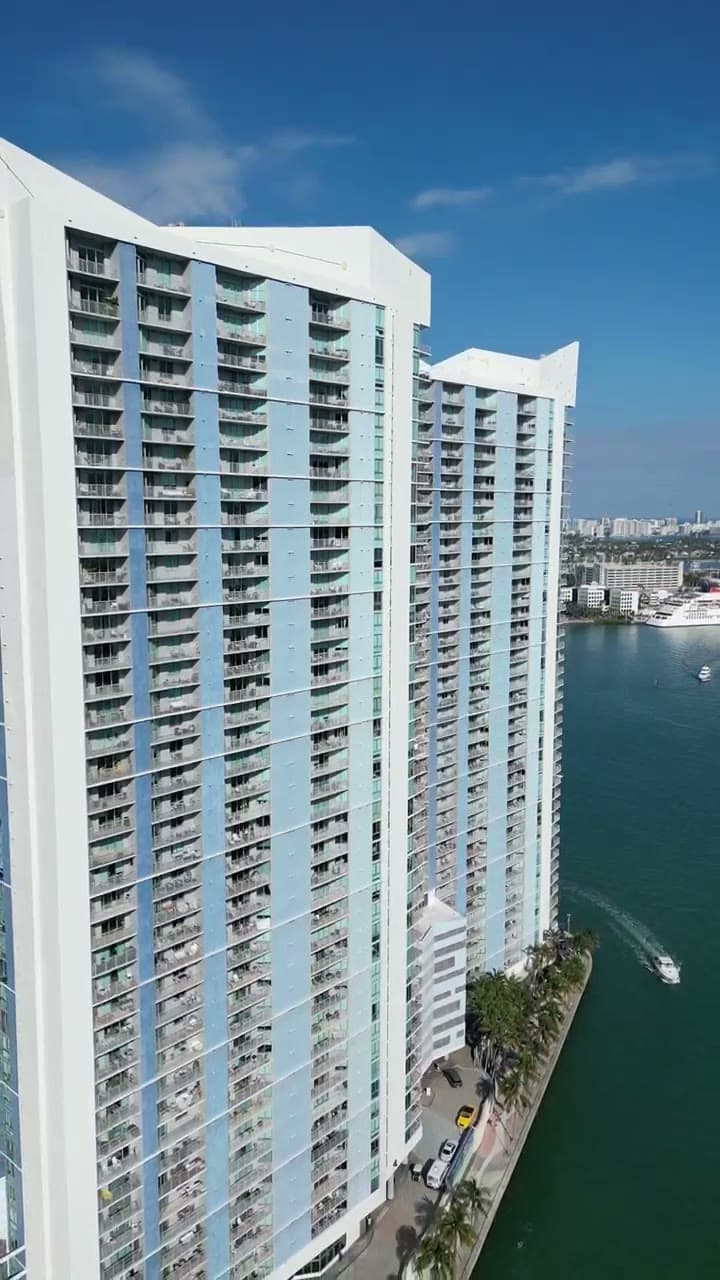
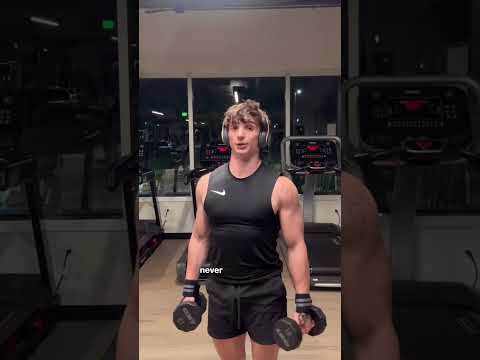
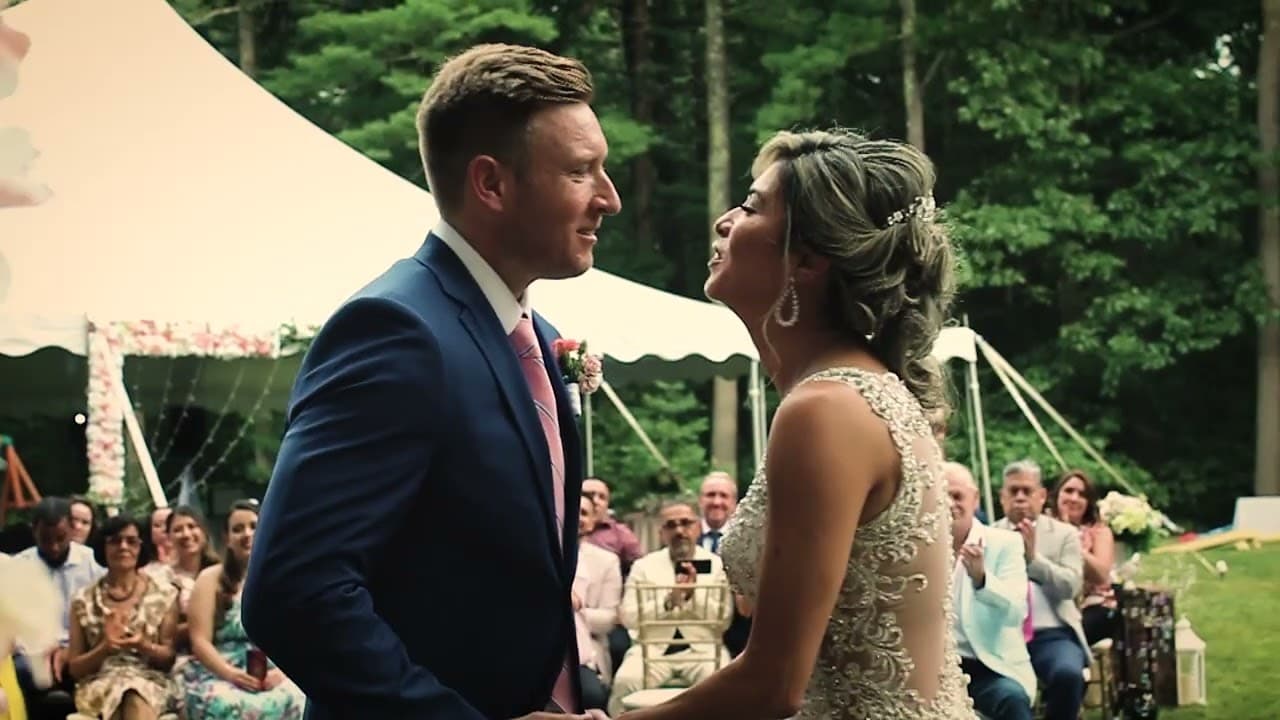
Reframe it shot by shot rather than applying one crop to everything. A 16:9 frame contains roughly three vertical frames side by side, so each shot needs a decision about which part matters: the speaker's face, the product, the action. When the subject moves across the frame, the crop can follow it with a slow pan so it never drifts out of view.
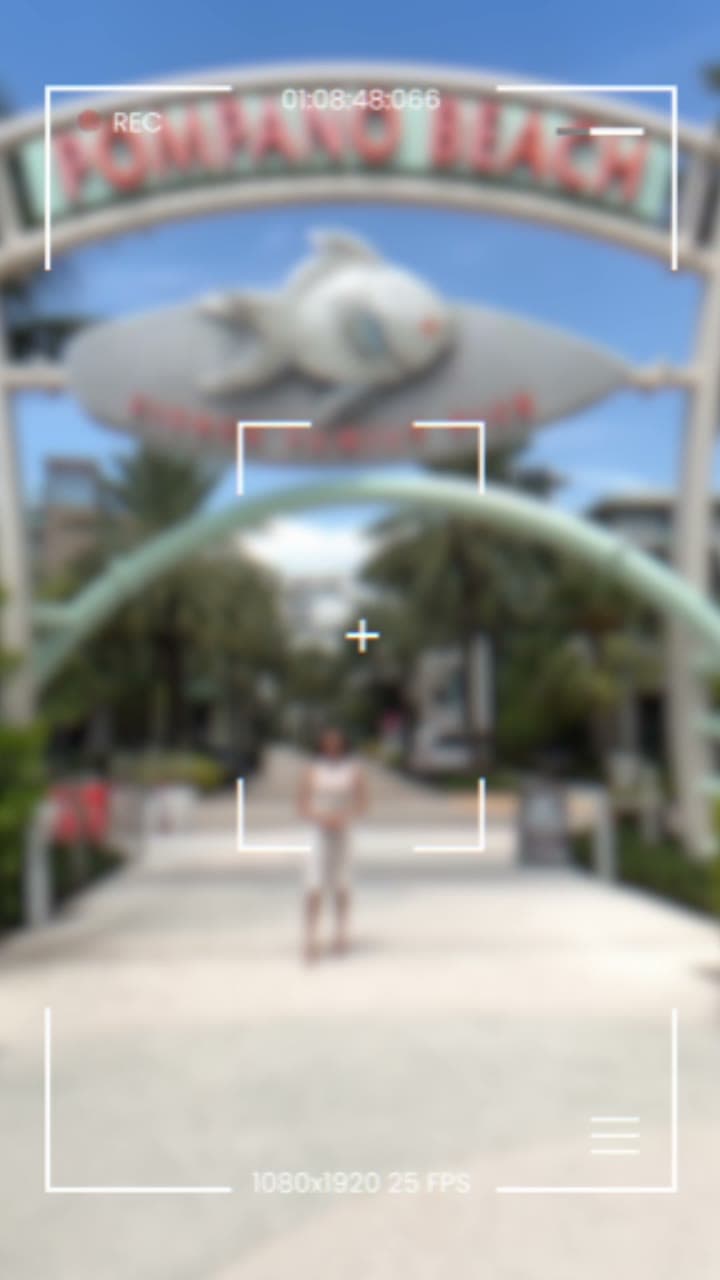
When a shot cannot be cropped without losing what matters — a wide group, a room, a landscape — place the full horizontal image in the middle of the vertical frame and fill the space above and below with a blurred or styled version of the same image, or with titles. Use that sparingly, because a small picture in the middle of a phone screen is harder to watch. If you know before filming that the video will be vertical, frame wider than usual and keep the subject near the centre.
02
What separates a good vertical edit from a cropped horizontal one?
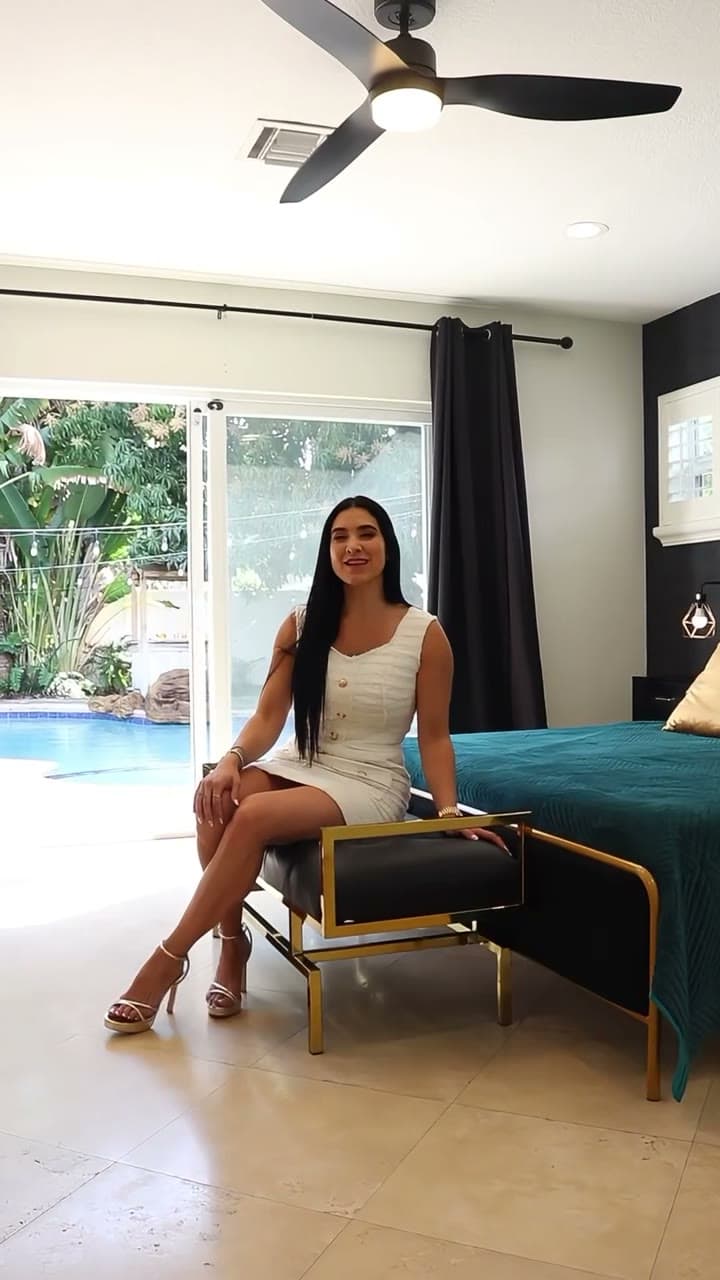
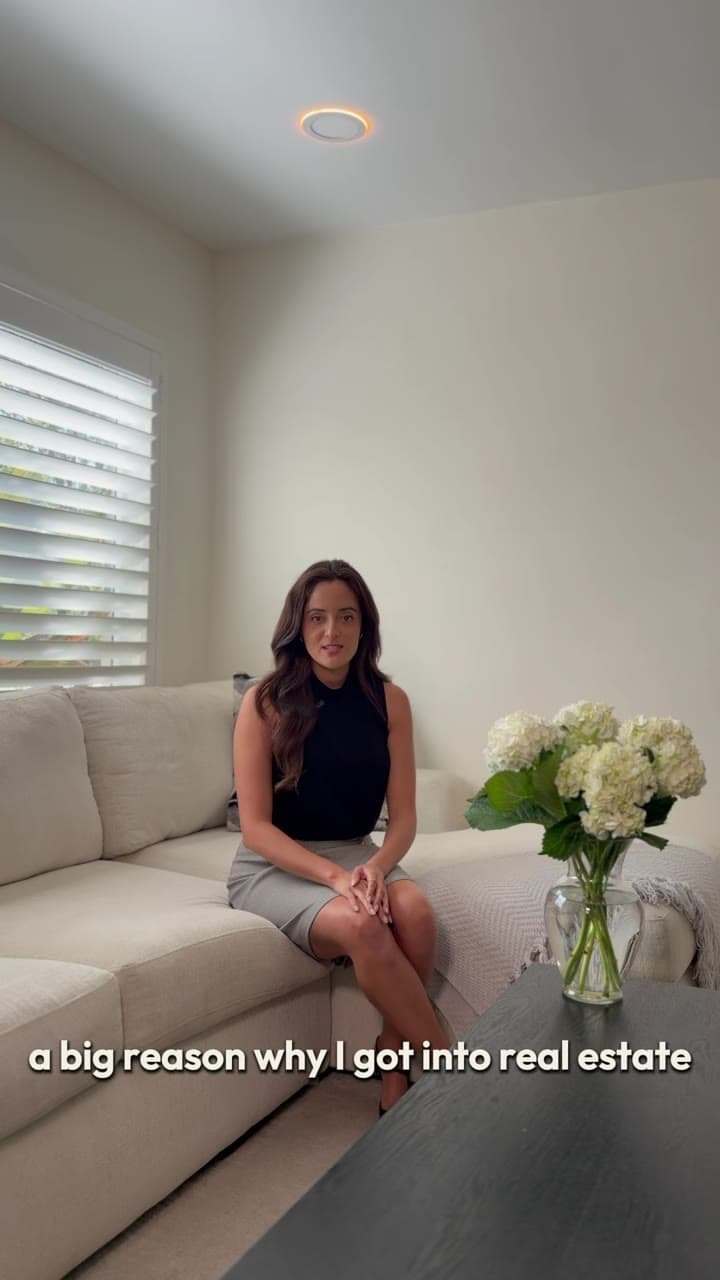
Closeness, pace and text that belongs to the frame. Vertical video is watched at arm's length on a small screen, so closer shots read better than wide ones, and faces should fill more of the frame than they would on a television. Cuts tend to come more often, because each shot holds less information.
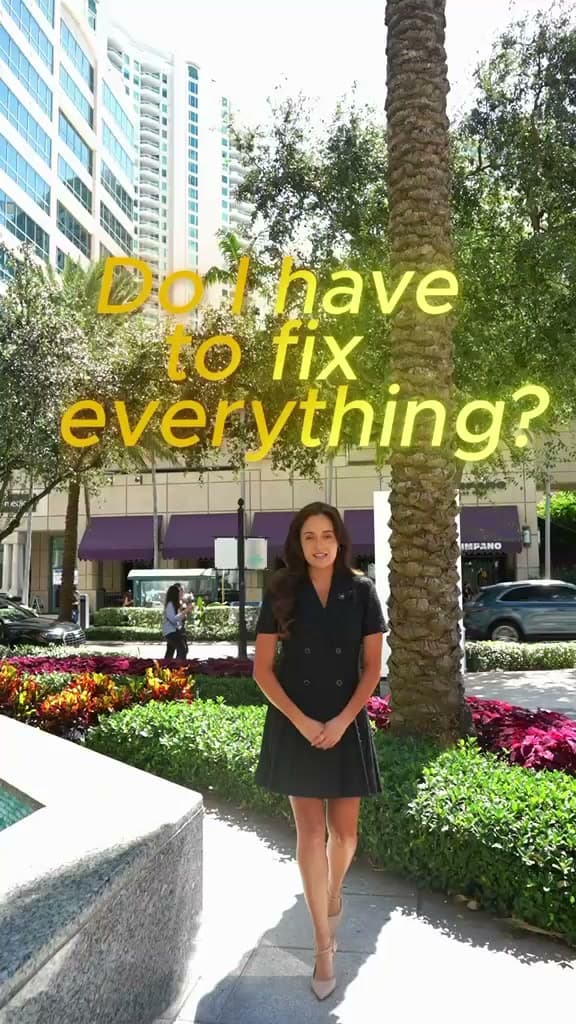
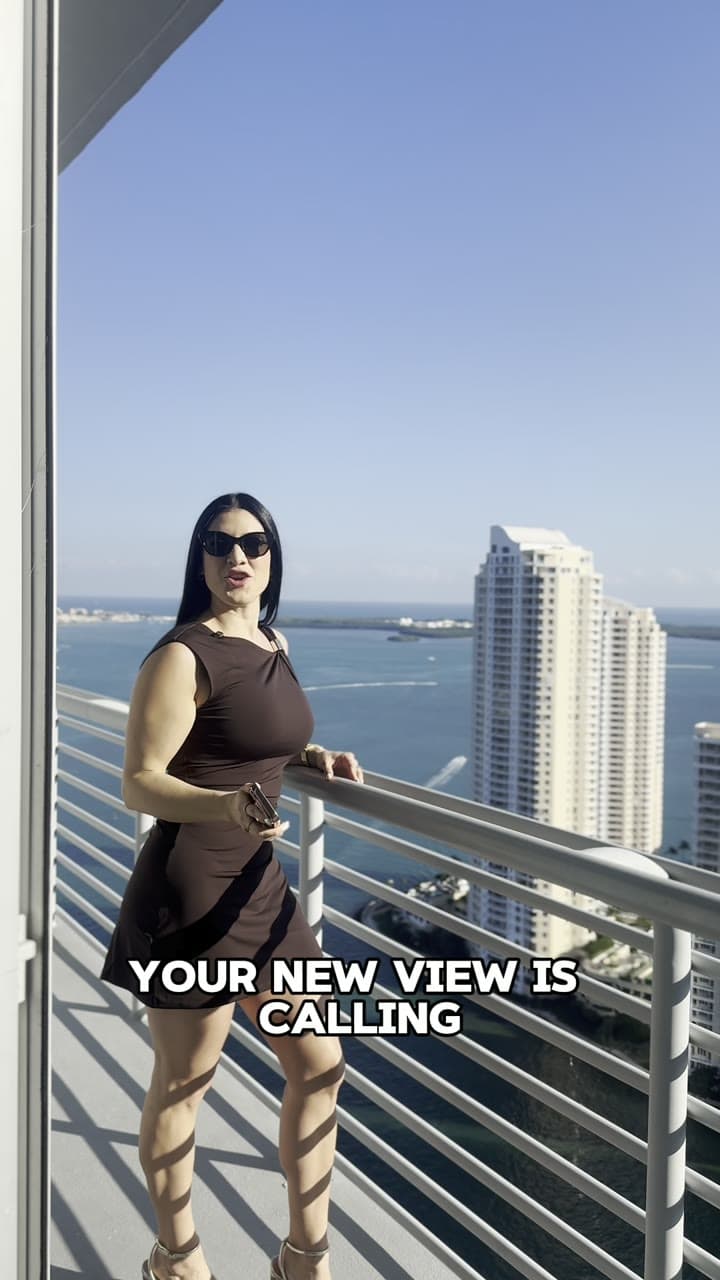
On-screen text and captions should be designed for the vertical frame: large enough to read on a phone, placed in the central safe area above the strip where the app shows its own caption and buttons, and short enough to read before the cut. Keep the important information in the upper two-thirds of the frame. Export at 1080x1920 from the original files rather than from a compressed horizontal export, and watch the finished video on a phone before publishing, since a desktop preview hides most vertical problems.
Social Video Ad Script & 9:16 Safe-Zone Kit
Select a video script framework:
[00:00 - 00:03] VISUAL & VERBAL HOOK:
"Tired of spending thousands on video content that gets zero actual leads?"

[00:03 - 00:08] AGITATE THE PROBLEM:
"Most brands publish polished footage without clear CTAs or mobile caption safe zones."

[00:08 - 00:18] SOLUTION & DEMO:
"With our remote video editing workflow, we turn your raw footage into high-converting 9:16 vertical reels."

[00:18 - 00:25] CALL TO ACTION (CTA):
"Click the link below to get a fast scope estimate on your next video batch."